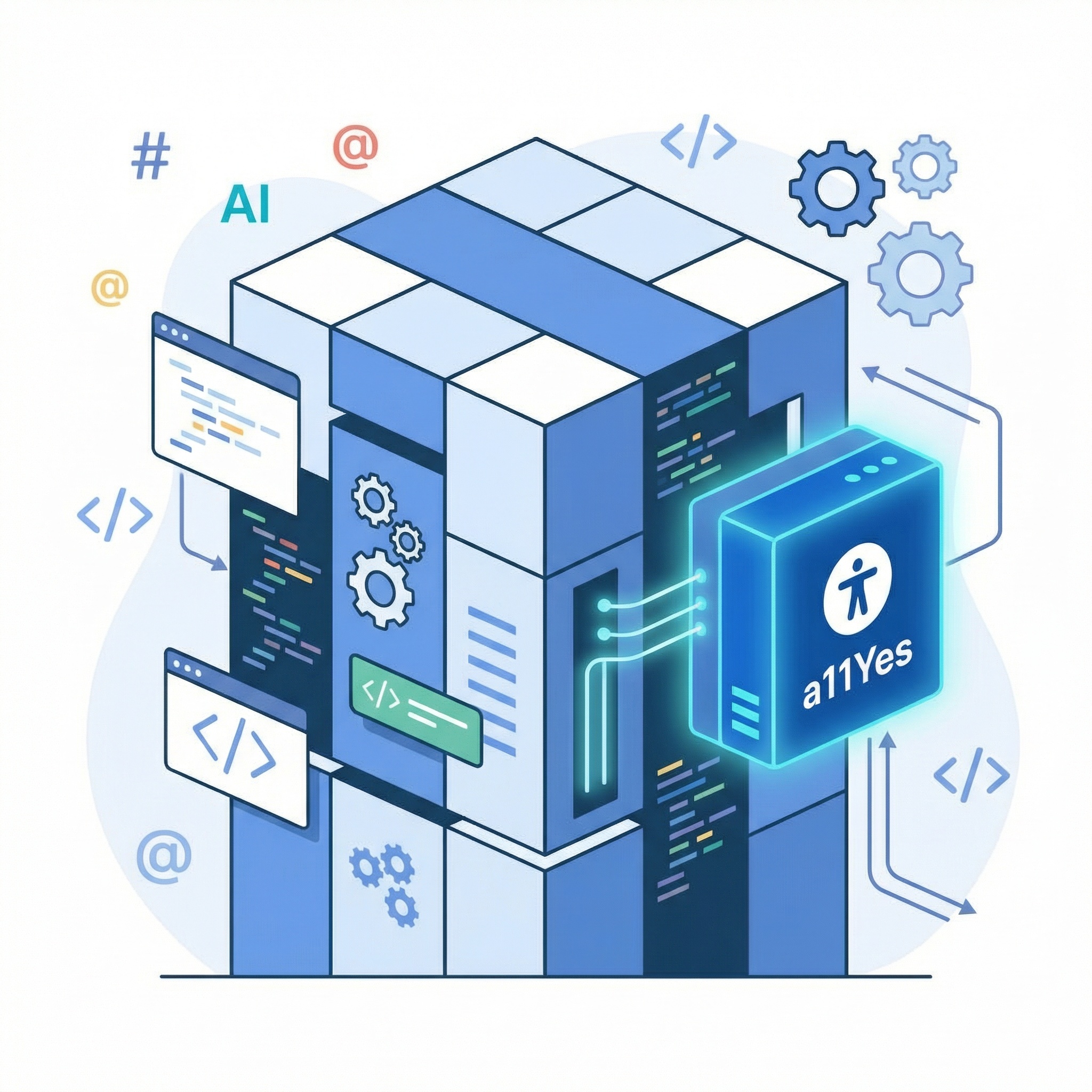
Für Entwickler:innen gemacht – einfach, schnell, flexibel, ohne Lock-in
A11yes wurde von Anfang an so entwickelt, dass es sich nahtlos in jede moderne Web-Architektur integrieren lässt.
Ob klassisches HTML-Projekt, Single-Page-Application oder Framework-basierte Anwendung.
Die Einbindung erfolgt in wenigen Minuten und kommt ohne tiefgreifende Änderungen an deinem bestehenden Code aus.
Dabei bleibt die volle Kontrolle bei dir: Du entscheidest selbst, wie A11yes in deine Systemlandschaft integriert wird.
Die Integration ist wahlweise manuell oder direkt im Build-Prozess möglich und fügt sich sauber in bestehende Workflows ein.
Das Ergebnis: eine stabile, performante und zukunftssichere Integration – ohne zusätzlichen technischen Ballast und ohne Abhängigkeit von einer externen Plattform.
Die Integration dauert nur wenige Minuten
Installation
Ideal für statische Websites oder Projekte ohne Build-Pipeline.
- Lade die neueste Version herunter.
- Binde CSS und JavaScript in dein Projekt ein.
- Initialisiere A11yes in deinem eigenen Code, wenn du eigene Konfiguration einsetzen möchtest.
So behältst du volle Kontrolle über das Hosting und die Ladeabfolge der Assets.
<!-- Include A11yes CSS -->
<link rel="stylesheet" href="/your-path/libs/a11yes/a11yes.css" />

<!-- Include A11yes JavaScript -->
<script type="module" src="/your-path/libs/a11yes/a11yes.js"></script>

<!-- Include your custom JS to Custom Configuration A11yes (Optional)-->
<script type="module" src="/your-path/index.js"></script>
Konfiguration nach deinen Anforderungen
A11yes ist vollständig konfigurierbar und passt sich deinem Projekt an – nicht umgekehrt.
Du kannst die Konfigurationsoptionen an das Objekt a11YesInit übergeben
und damit Verhalten, Darstellung und Funktionsumfang individuell steuern.
Ob reduzierte UI, bestimmte Accessibility-Features oder projektspezifische Defaults – alles lässt sich zentral definieren.
a11YesInit({
    currentLanguage: 'de',
    openButtonClassname: 'a11yes-open',

    // Font size controls
    fontSize: true,
    fontSizeStep: 2,
    fontSizeMax: 5,
    fontSizeMin: 0,

    // Letter spacing controls
    letterSpacing: true,
    letterSpacingStep: 1,
    maxLetterSpacingSteps: 5,
    minLetterSpacingSteps: 0,

    // Contrast settings
    contrast: true,
    highLightColor: 'red',

    // Fonts options
    fonts: {
        'Arial': 'Arial, sans-serif',
        'Times New Roman': 'Times New Roman, serif',
    },

    // Enable other accessibility functions
    otherFunctions: true,

    // Links shown in the popup (array of [label, URL, target])
    links: [
        ['Learn more about Accessibility', 'https://www.a11yes.com/', '_blank'],
        ['Simple Language', 'https://www.a11yes.com/', '_blank']
    ],

    // Show icons in the popup
    icons: true,

    // Path to your translations file
    translations: "./path-to-your-translations.json"
});
Die Konfiguration kann jederzeit angepasst werden, ohne bestehende Integrationen zu brechen.
Entwickelt für Performance & Skalierbarkeit
- Keine Abhängigkeit von externen Diensten
- Minimale Bundle-Größe
- Framework-agnostisch
- Keine Beeinträchtigung der Core Web Vitals
A11yes fügt sich unauffällig in deine Anwendung ein und erfüllt gleichzeitig höchste Anforderungen an Barrierefreiheit.