
Everything you need for an inclusive Web

Accessibility in just a few clicks
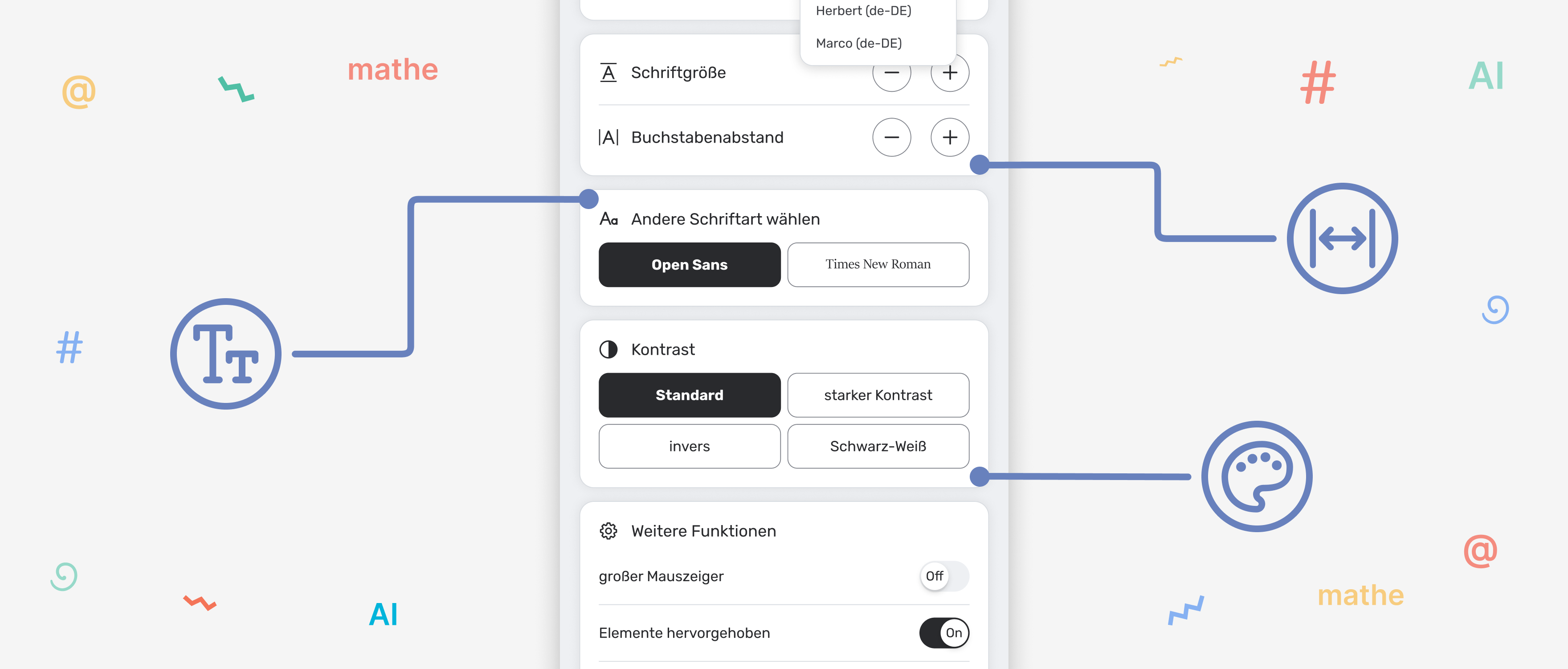
Font Size Adjustment
Each visitor chooses the reading size that’s most comfortable for them.
Letter Spacing
Improves text perception for people with dyslexia.
Alternative Fonts
Eases reading for people with cognitive differences.
Contrast Modes (normal, high, inverted, b/w)
Support for people with visual impairments.
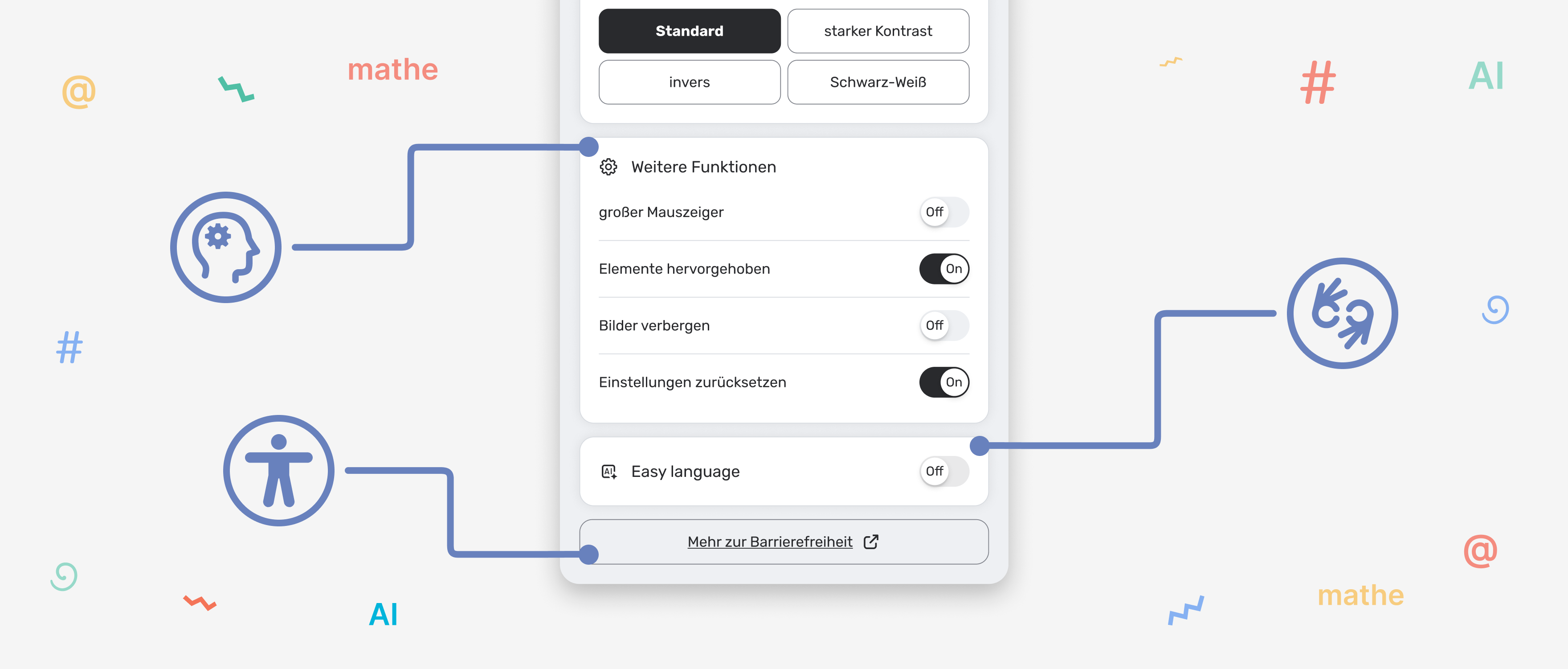
Large Cursor
Instantly visible—even on large screens.
Element Highlighting
Keeps focus while navigating with keyboard or mouse.
Hide Images
Helps to focus solely on the text.
Reset
One click—and the website returns to its default state.
Maximum control for integrators
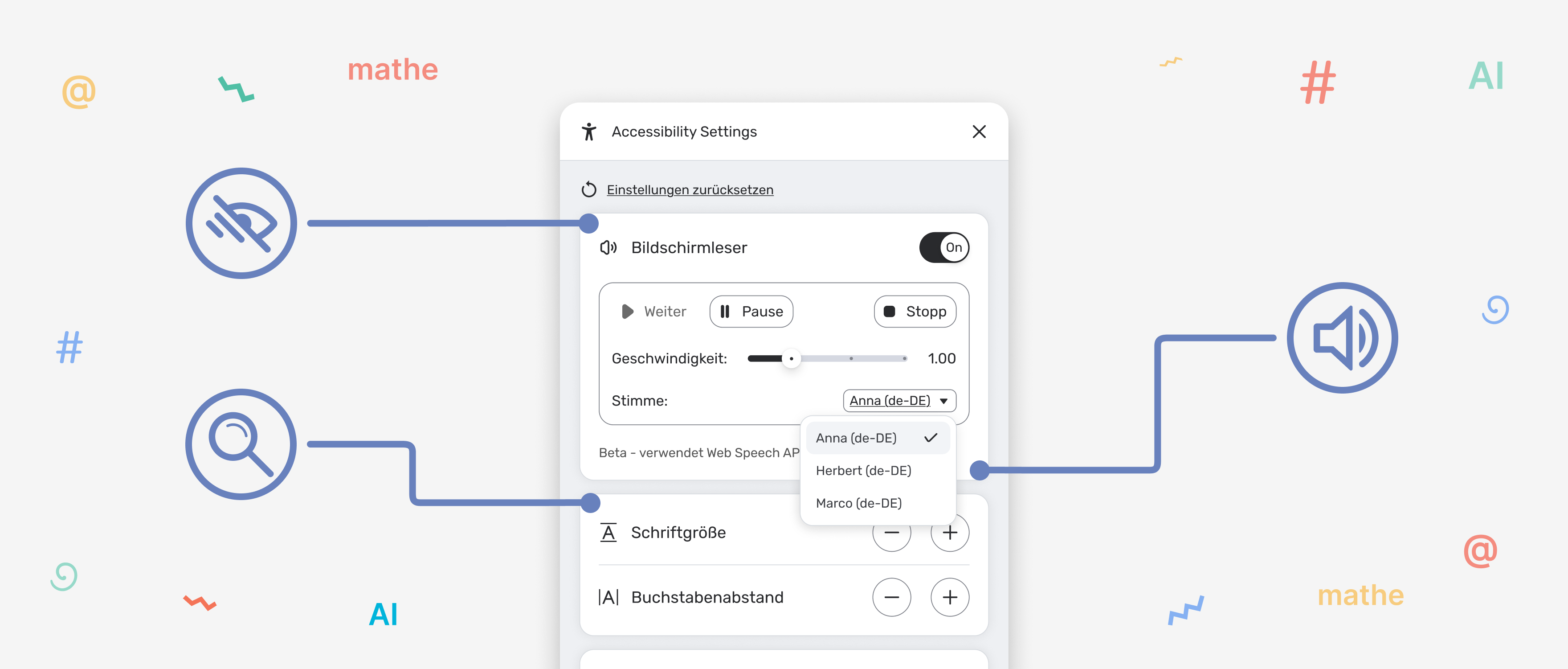
- Translation via JSON file – localization for each language
- Font settings – specify which fonts are available in the toolbar
- Letter spacing settings – control the spacing
- Highlight color settings – choose the highlight color
Professionelles Level der Barrierefreiheit
- Screen Reader – integrated text-to-speech
- AI Module – Easy-to-Read Language (ETR) (coming soon)
“These features bring your website up to the level of the international WCAG and BITV standards.”
Summarized
-
For users
- Font size – users choose a comfortable scale
- Character spacing – makes reading easier for people with dyslexia
- Fonts – alternative, user-friendly fonts
- Contrast – 4 modes (normal, high, inverted, b/w)
- Large cursor – visible even with low vision
- Element highlighting – focus during navigation
- Hide images – focus on text
- Reset – back to default
- Additional links in the toolbar (configurable)
-
For Integrators/Developers
A tool that can be easily integrated into your code
- JSON translations (flexible localization)
- Settings for font sizes and fonts
- Control of character spacing
- Colors for highlighting (highlightColor)
- Show/hide icons
- Use of CSS variables for full customization
-
Paid features
- Screen reader (read aloud)
- AI module (automatic contrast detection, accessibility suggestions)
Choose your entry into digital accessibility
Starter for the first step. Pro for professional websites. Enterprise for organizations with multiple domains.